GUARD-FORCE Alarm
GUARD-FORCE Alarm is a mobile app that allows you to log in with Gmail, Outlook, and iCloud accounts to selectively receive and get notifications for only important emails that match the rules you set. It helps you check important emails immediately without missing them.
Main Features
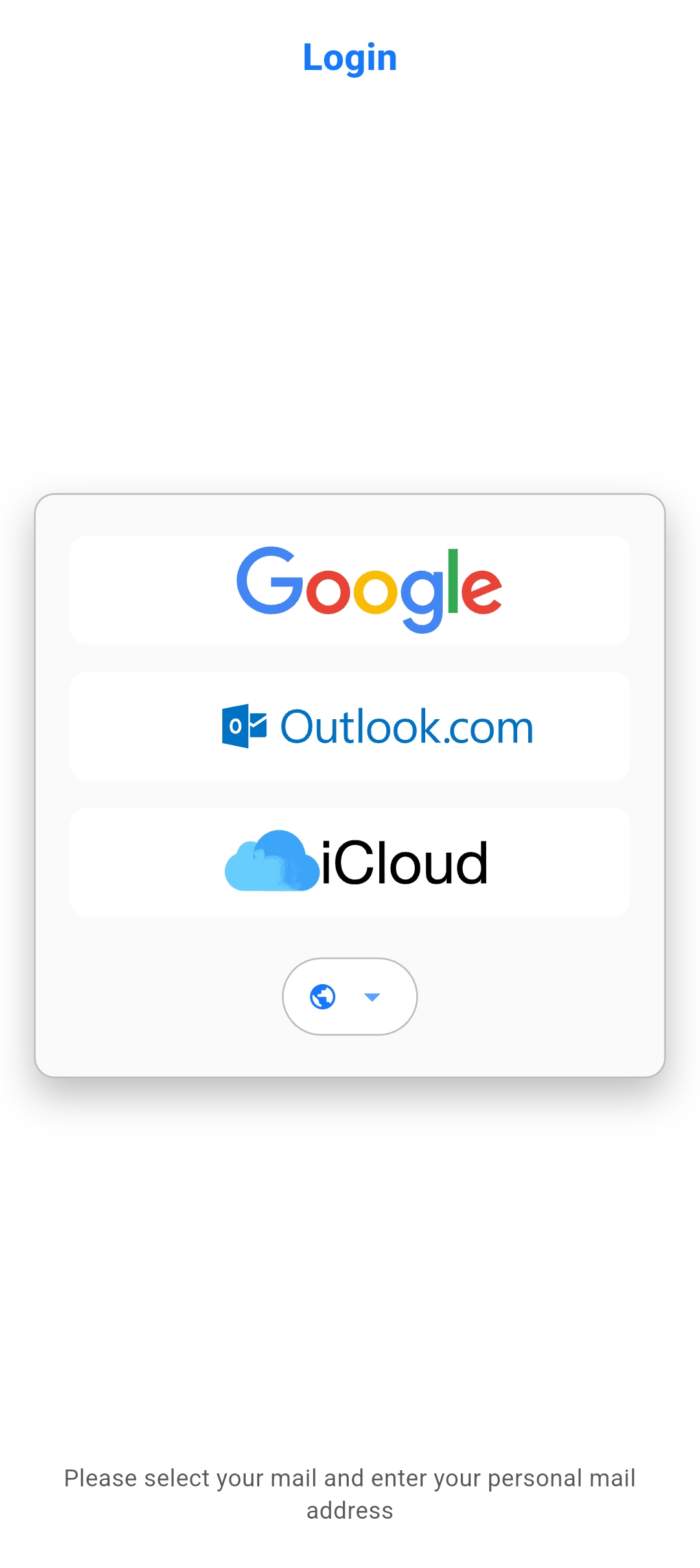
● Support for Various Email Accounts
You can log in to major email services such as Gmail, Outlook, and iCloud to manage them in an integrated way.
● Smart Email Filtering
Among all emails coming to the logged-in account, only emails that match the rules you set are selectively received. This minimizes interruptions from unnecessary email notifications and allows you to receive only truly important emails.
● Flexible Condition Settings
You can filter only the emails you want by combining various conditions such as email subject, content, and sender.
● Powerful Alarm Options
You can continuously generate notifications until the user checks them, like emergency alerts, so you don't miss important notifications.
Condition Settings
GUARD-FORCE Alarm allows you to set various conditions to selectively receive only the emails you want.
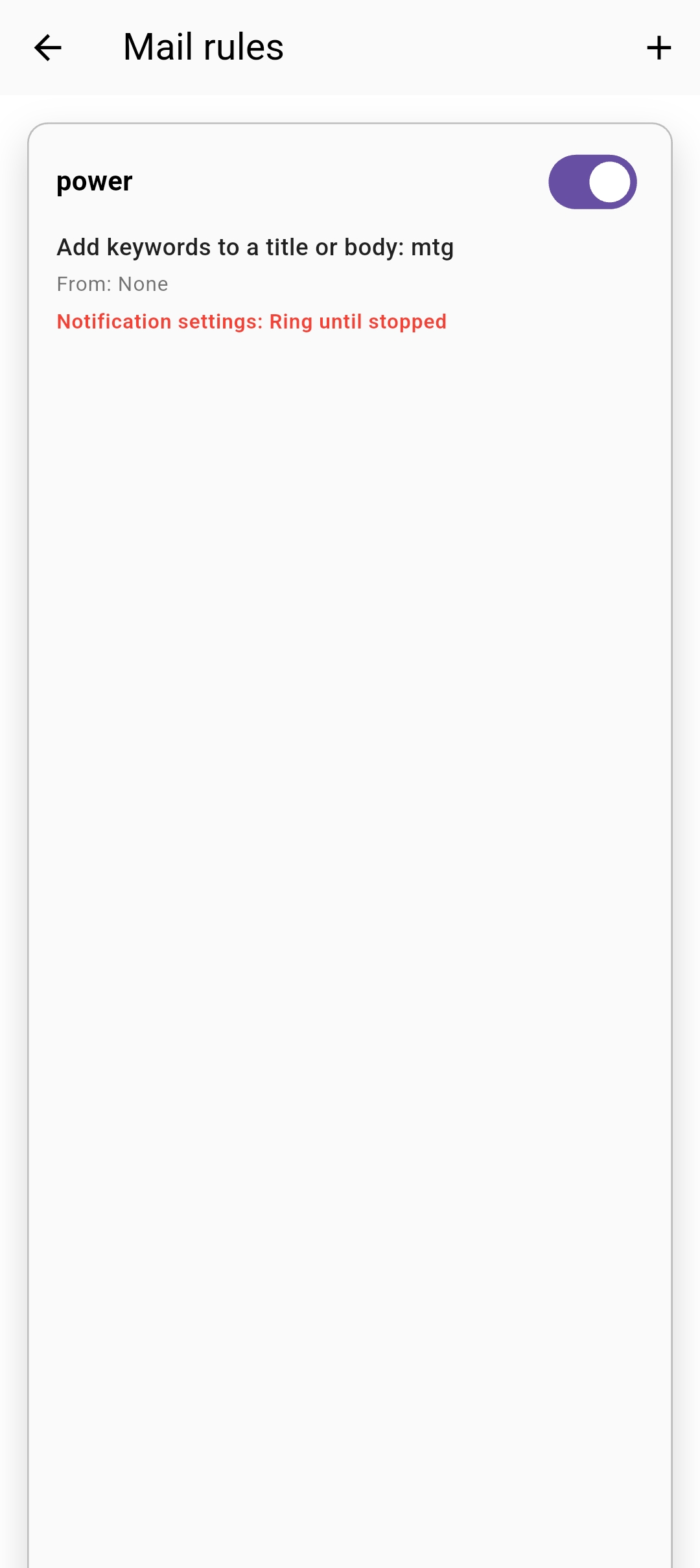
● Keyword-based Filtering
You can trigger an alarm if a specific keyword is included in the email subject or content. For example, you can set keywords such as "urgent", "important", "meeting" to receive immediate notifications when emails containing these keywords arrive.
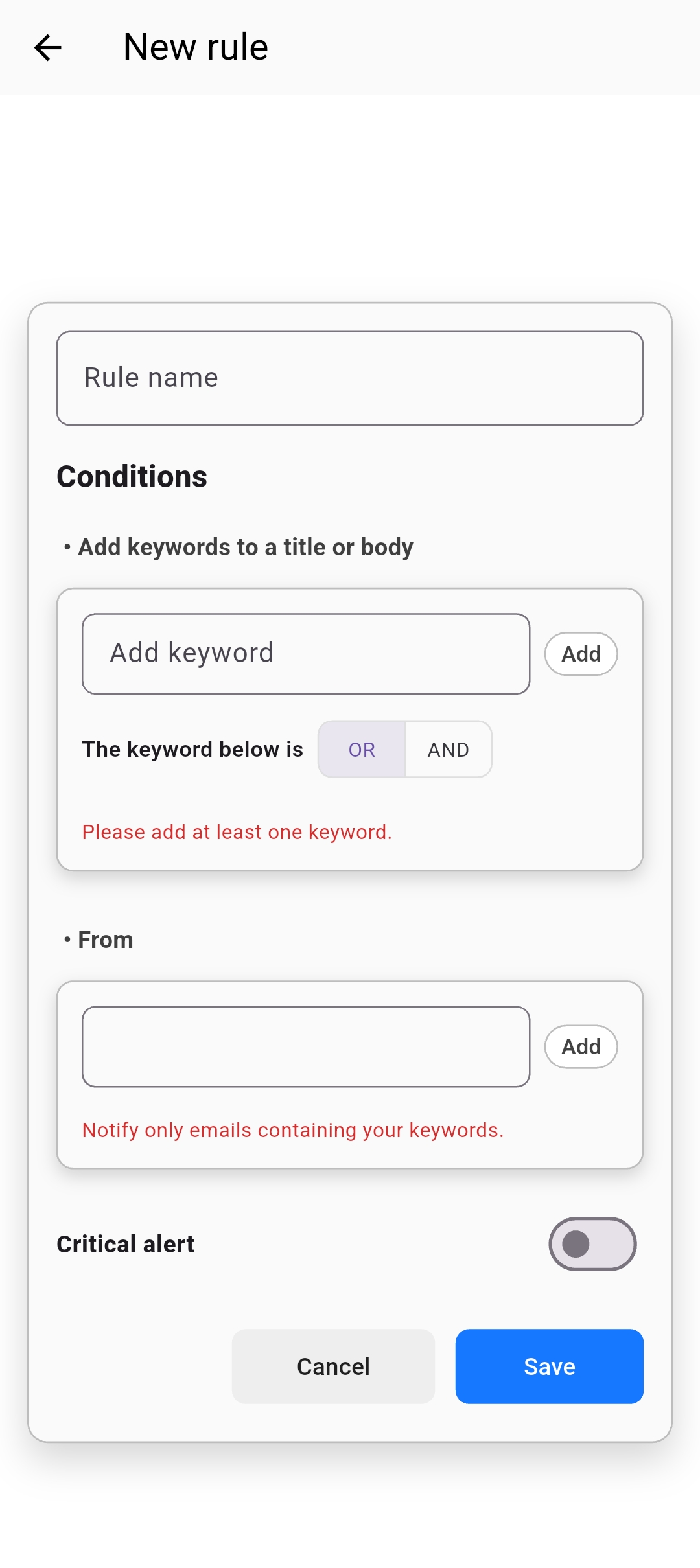
● Sender-based Filtering
You can trigger an alarm if a keyword is included in a specific sender's email address or domain. For example, you can set it to receive only emails from the "@company.com" domain or emails containing a specific sender name.
● Complex Condition Settings
You can create more sophisticated filtering rules by combining multiple conditions. You can combine subject, content, and sender conditions with AND or OR to accurately filter only the emails you want.
Alarm Options
GUARD-FORCE Alarm provides two alarm modes to suit different situations.
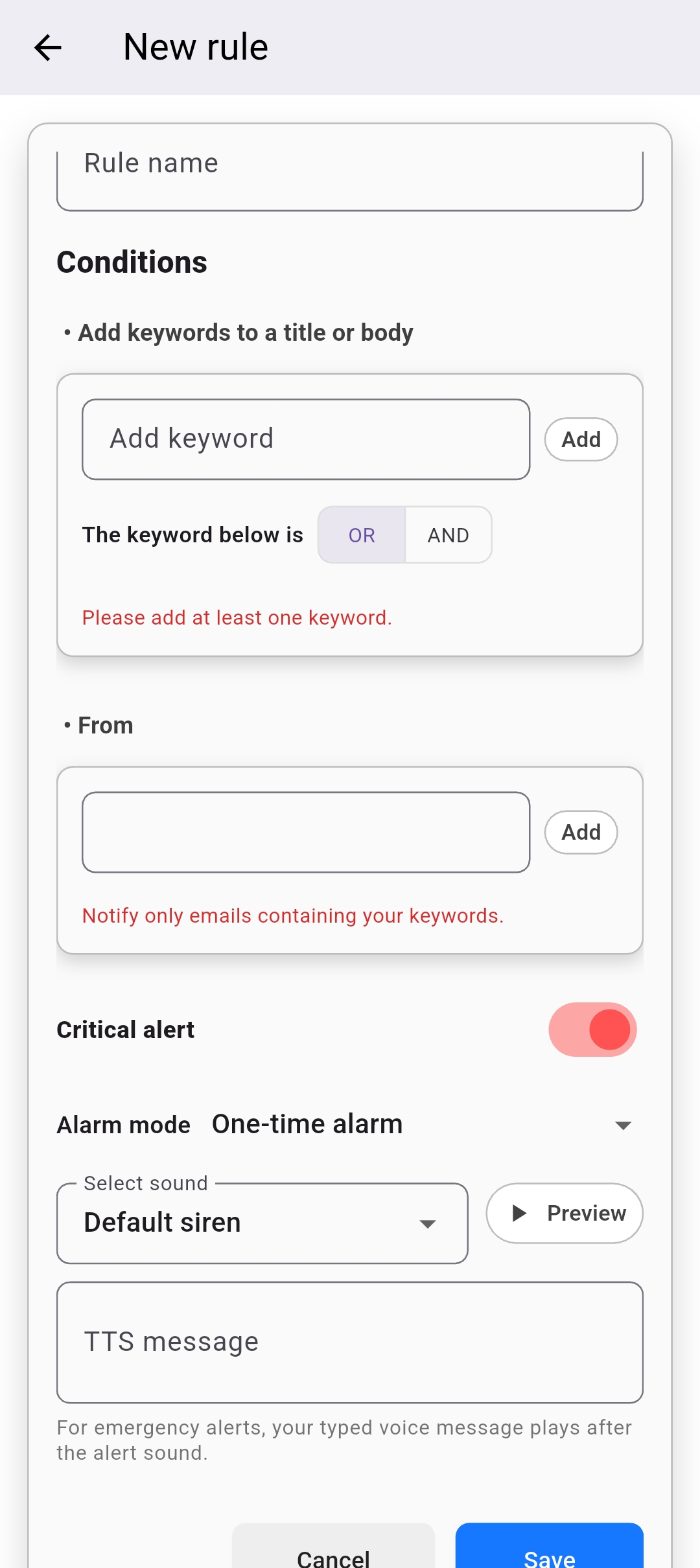
● Emergency Alert Style Alarm
For very important emails, like emergency alerts, vibration and sound continue to occur until the user checks them, even when the sound is turned off. Using this mode ensures you never miss truly important emails. Even when your smartphone is in silent mode, notifications continue to occur so you can check them immediately.
● Standard App Notification
For emails of general importance, notifications are generated only once, like standard app notifications. This mode is suitable for important but not urgent emails, minimizing user interruption while ensuring important emails are not missed.
● Custom Settings by Situation
You can set the alarm mode individually for each rule, allowing you to choose the appropriate notification method according to the importance of the email.
Use Cases
GUARD-FORCE Alarm can be useful in various situations.
● Business Email Management
You can selectively receive only important work-related emails from your company email to improve work efficiency. Urgent work emails can be set to emergency alert style alarms for immediate checking.
● Personal Email Management
You can also set it to receive only important notifications (bank, shopping mall, reservation confirmations, etc.) from personal emails, freeing yourself from unnecessary notifications.
● Multiple Account Management
You can manage multiple email accounts in one app, setting different rules for each account to manage them efficiently.